Start with single letters when you are still learning cursive joins
Free to create, preview, and download · no account required
PrintableHandwriting: Free Cursive Handwriting Worksheets Generator
Enter your own letters, words, sentences, or paragraphs. Choose a cursive font and page layout, preview tracing or copy practice, and download a free PDF.
Choose a ready-made PDF below for the kind of cursive practice you want.
Just looking up a letter? Open the uppercase and lowercase cursive chart for a one-page reference.
Learning a new movement? Try the starting guide and six-letter lesson, or choose another cursive task.

What fonts and styles are available for cursive worksheets?
Choose from the cursive fonts shown in the builder, including Prima Cursive, AlexBrush, Allura, Cedarville Cursive, DancingScript, Great Vibes, and Satisfy. Preview the letterforms to choose a model for your practice goal. Tracing places model text on practice lines; Copy adds blank lines after model text. Solid, Outlined, and Dotted are separate Text Style choices. Select A4 or US Letter in portrait or landscape, then preview the wrapping and page count before downloading.
Free to create and preview
7 Fonts
Standard & Artistic
3 Styles
Solid, Dotted, Outlined
2 Modes
Tracing & Copy
Instant PDF
Ready to Print
What Do You Need to Build a Custom Cursive Worksheet?
Move to full sentences when rhythm and flow become the goal
Pick a structured classroom-style cursive or a more expressive connected script based on your practice goal
Create, preview, and download for free — no account required
Live worksheet builder
Enter your own letters, words, sentences, or paragraphs for tracing or copy practice on paper. Choose your font and page layout, preview the wrapping and page count, then download your custom PDF without an account.
Cursive Handwriting Worksheet
Create beautiful cursive handwriting practice sheets
Content
Configure your worksheet content and practice mode
Blank paper keeps your page settings and removes the model text. Choose guidelines and line height in Training, then paper size and orientation in Page Layout. Preview before downloading.
Prefer a ready-made sheet? View Practice Paper PDFsLeave empty to create a blank worksheet
44/50000 characters
Tracing: text on every line. Copy: text + blank practice lines.
0/50 characters
Font
Choose the handwriting font style
Training
Professional training parameters for targeted practice
Training
Professional training parameters for targeted practice
Choose the writing guideline pattern for the worksheet
Choose the physical height of each writing line
Controls how much guidance is shown for letter formation
Show diagonal guide lines for consistent letter slant
Applies when Slant Guide Lines is on. Use the guide as a visual reference, not a required writing angle.
Page Layout
Paper and spacing settings
Page Layout
Paper and spacing settings
Appearance
Customize visual appearance
Appearance
Customize visual appearance
35%
20%100%
Advanced
Additional customization options
Advanced
Additional customization options
1
0.252
Preview
0 pages
Initializing...
Create, preview, and download custom cursive worksheets for free — no account required.
Review letters, practise joins, or copy a passage
The alphabet pack is for reviewing familiar letter shapes. Use Connections for joins, Flow for words and sentences, and Passage for longer text.
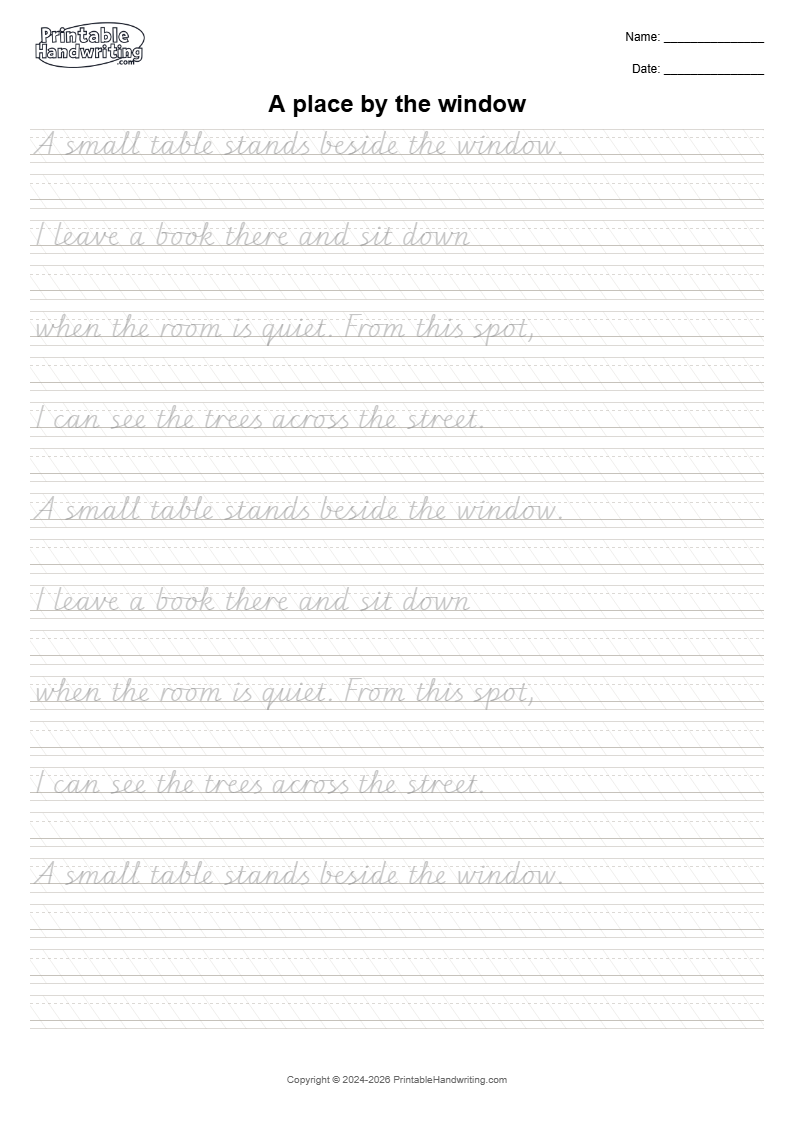
CursiveA46 pages
Cursive Passage Practice Pack
Six connected everyday passages for practicing readable cursive beyond individual words and sentences.
View practice resource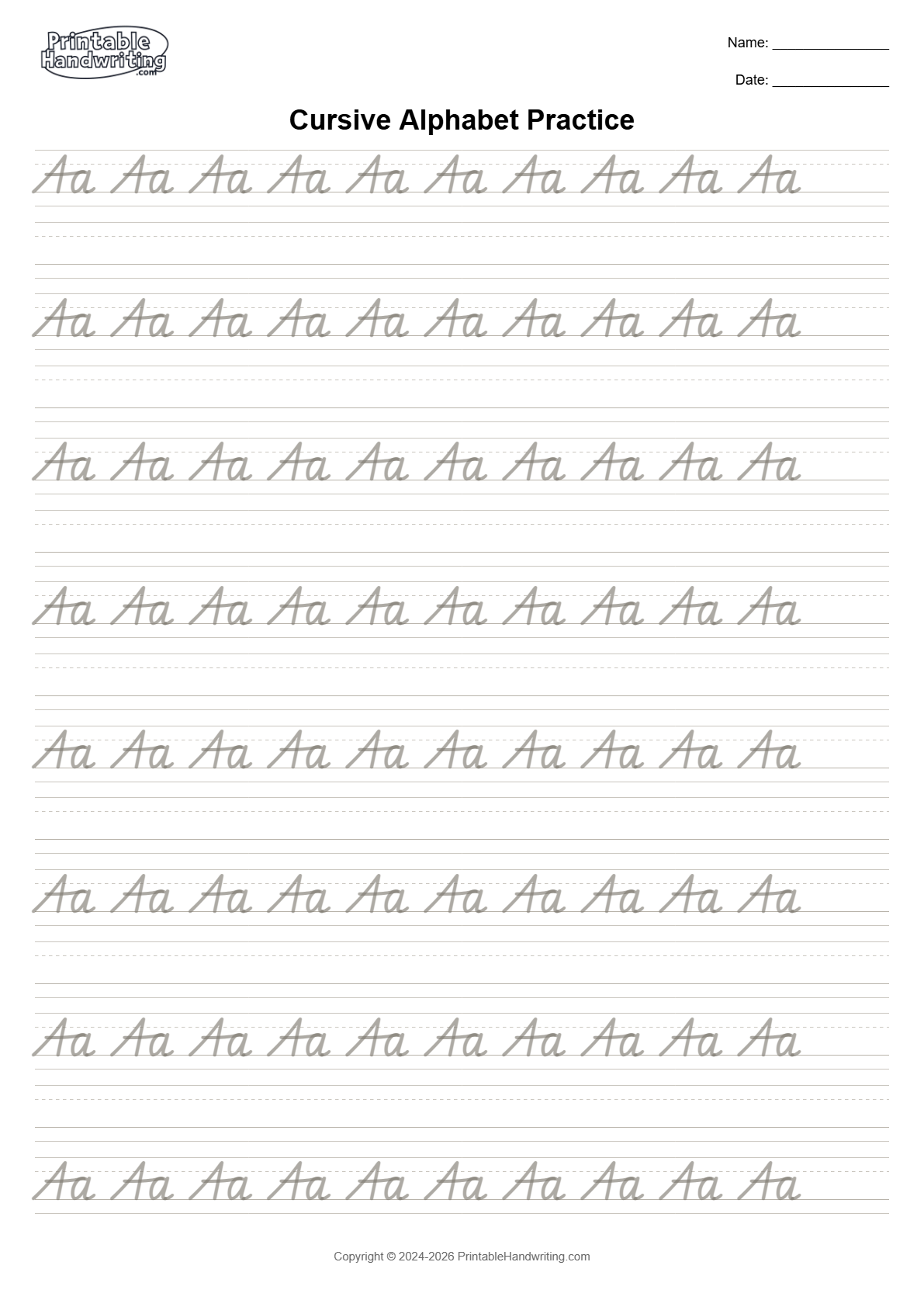
CursiveA426 pages
Cursive Alphabet Practice Pack
Free Aa–Zz worksheets with solid cursive models and blank rows for copying.
View practice resource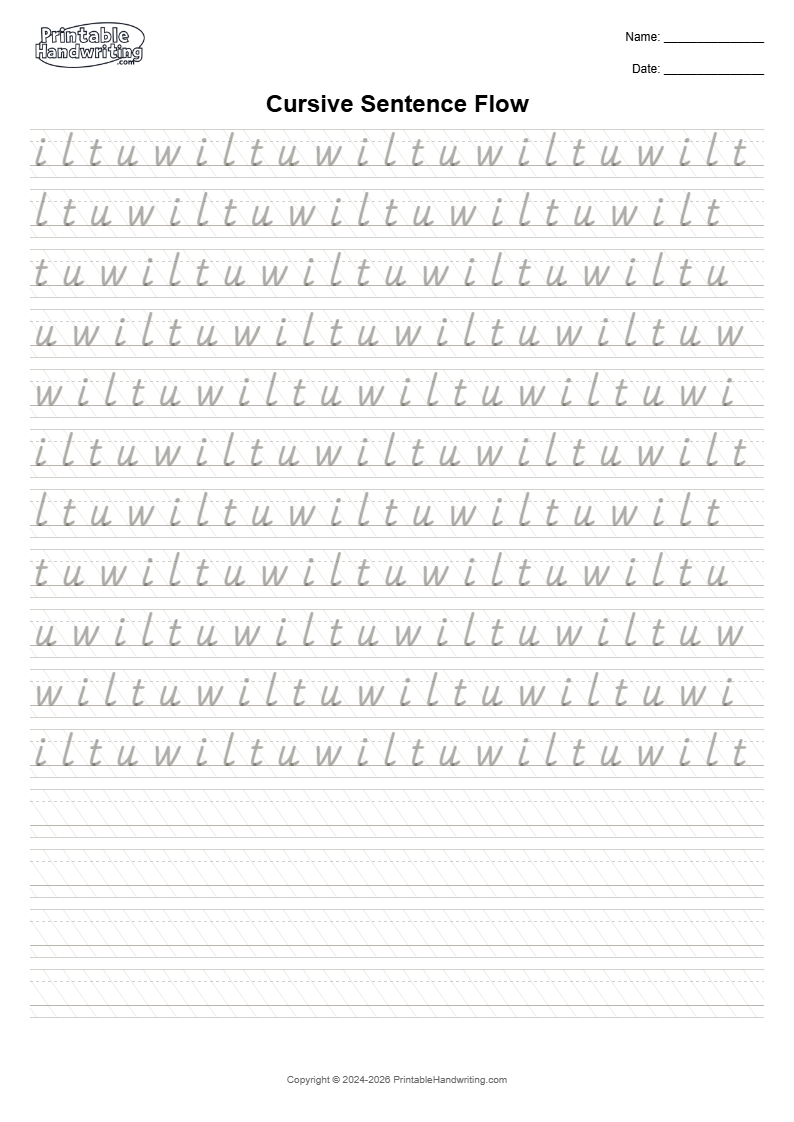
CursiveA48 pages
Cursive Connections Foundation Pack
Eight focused pages that move from short connected patterns into readable words and complete sentences without treating every letter as an isolated shape.
View practice resource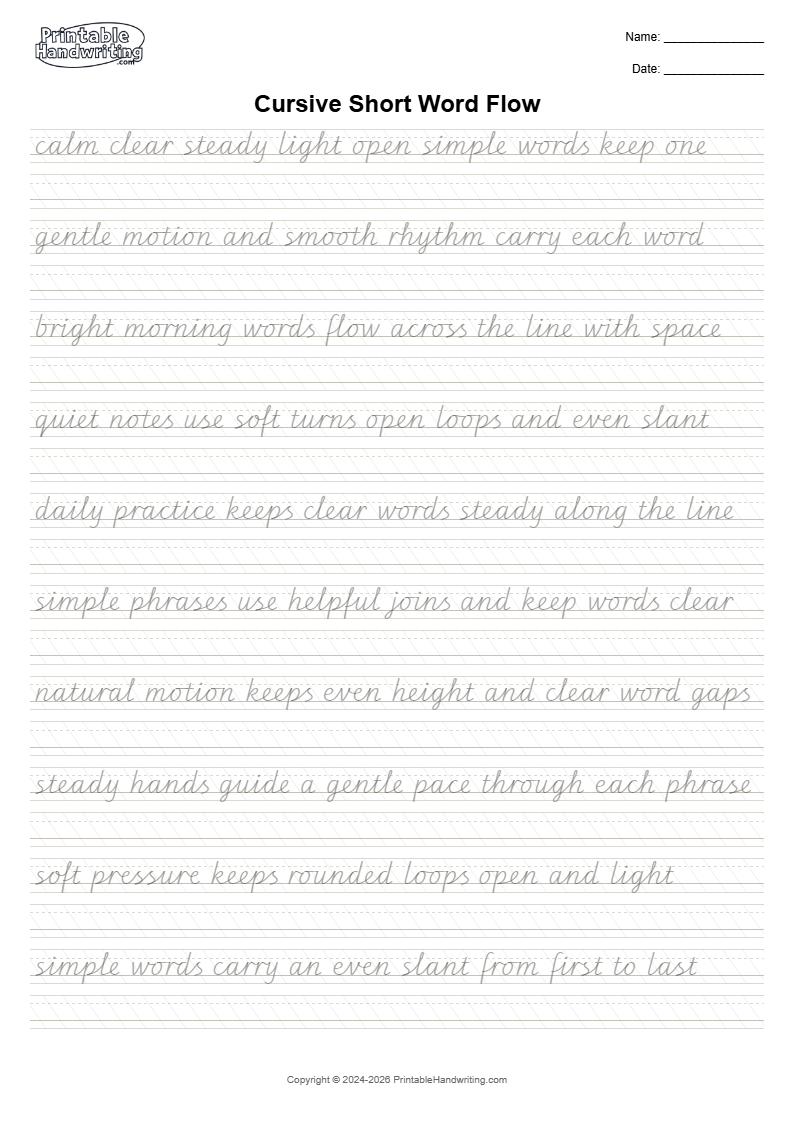
CursiveA48 pages
Cursive Words and Sentence Flow Pack
Eight compact Copy pages that progress from connected short words and visible spacing into sentences, pangrams, natural-speed copy, and an independent paragraph.
View practice resourceWho can benefit from cursive handwriting practice worksheets?
person_celebrate
Adults
Improving writing speed, fluidity, and personal aesthetics for professional or personal notes.
school
Teachers
Generating classroom materials supporting standard cursive and D'Nealian styles for all grade levels.
draw
Calligraphy Enthusiasts
Developing the foundation for advanced script styles and penmanship rhythmic control.
How do you create a custom cursive worksheet in 3 steps?
Creating a custom cursive worksheet requires no design skills or prior experience. Simply enter the text you want to practice—individual letters, names, words, sentences, or full paragraphs—into our intuitive worksheet builder. Choose your preferred cursive font from the available options, select either solid, outlined, or dotted text styles, and pick tracing or copy mode depending on whether you need guided practice or independent repetition. The entire process takes under two minutes, and you can preview the worksheet instantly before downloading a printable PDF directly from the generator.
1
Enter your text
Type out letters, names, words, sentences, or paragraphs for custom practice.
2
Choose style
Select your font, style (solid/outlined/dotted), and choose tracing or copy mode.
3
Preview and download
Review your work and download your free PDF directly from the generator.
Compare Tracing and Copy with the same text
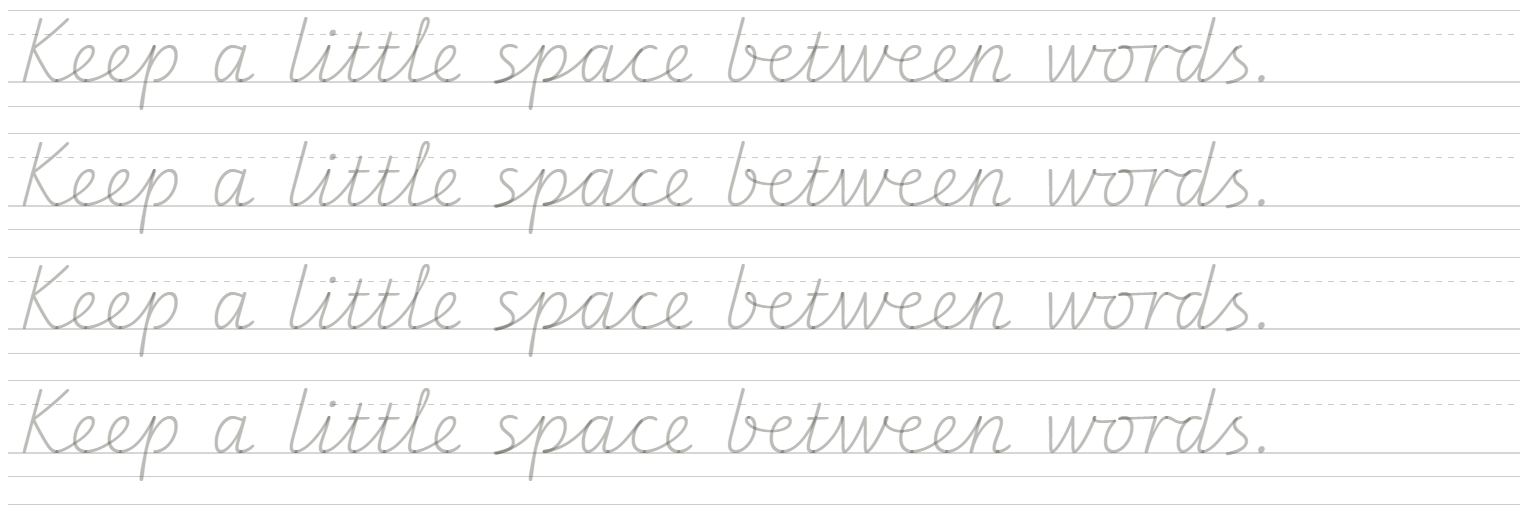
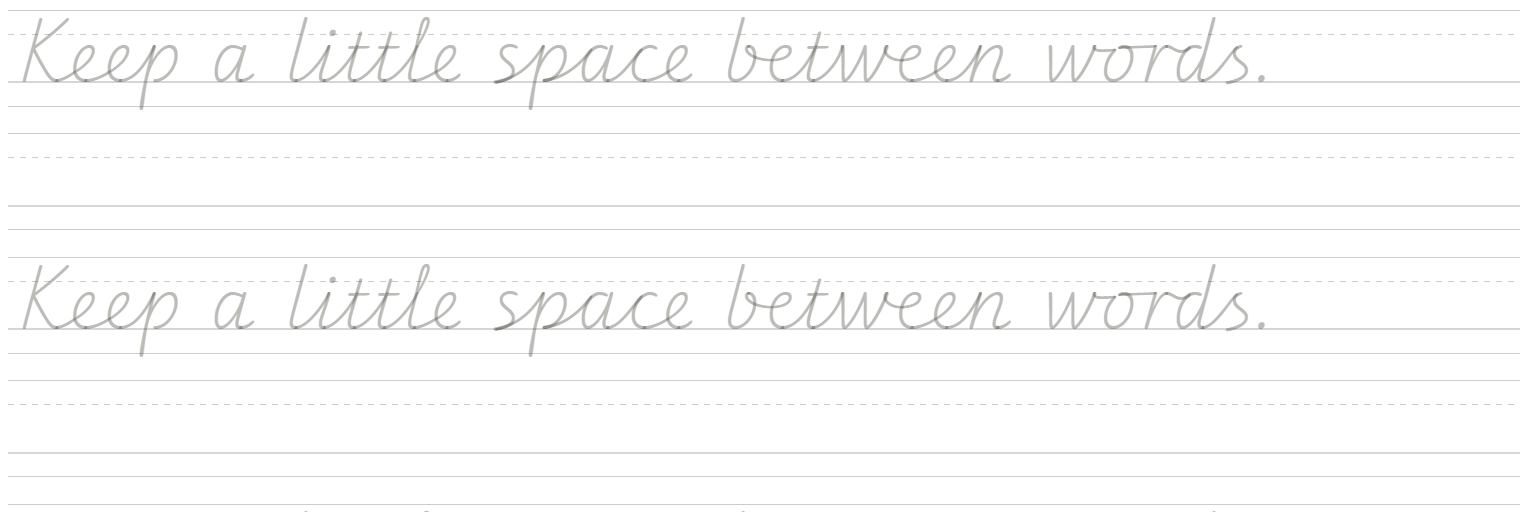
Both samples use “Keep a little space between words.” entered four times on separate lines, in Prima Cursive with Solid text, Standard 4-Line Ruled guidelines at 0.50 in, and US Letter portrait. Text Color is #3F3B34 at 35% opacity. Only Practice Mode changes. The first four output rows are shown here.
Tracing
Trace the light model on each row when you want a visible letter-and-join guide.
Copy
Read the model, then write on the blank row below it when you are ready to copy without tracing.
Need US Letter paper?
In the builder, open Page Layout → Paper Size → US Letter (8.5 × 11 in). Choose Tall for portrait or Wide for landscape, then check the preview for wrapping and page count before downloading. Choosing paper size does not change your practice mode.
When should you practice cursive instead of print handwriting?
Use cursive when you want to practice connected letter shapes and joins. Choose Tracing to follow each input model line, or Copy for model text followed by blank practice rows. Solid, Outlined, and Dotted describe the text appearance; they are separate from Practice Mode. If you want to practice print letterforms instead, use print worksheets, or use line tracing for basic pen-control patterns.
Common cursive worksheet mistakes
This page is for building connected cursive practice sheets—not for deciding whether print or cursive is the better long-term style.
Trying too much unfamiliar cursive text
Choose one unfamiliar letter or join, use a clear model and try it in a short word. Print is not a required first stage for every learner.
Over-slanting for “style”
Keep a consistent slant; use the generator slant controls instead of forcing a steeper look.
Only copying alphabet without word joins
Move from letter drills into words and short sentences so joins get real practice.
If you already have a writing sample and want a structured legibility check, sign in for an optional handwriting check. New accounts get one free handwriting check after sign-in. Optional: handwriting check.
Is the cursive worksheet generator free to use?
The cursive worksheet builder is completely free to use. You can create, preview, and download worksheets without creating an account. There are no subscription fees, credit card requirements, or limits on how many worksheets you can create. Your finished PDFs include the PrintableHandwriting watermark in the footer and download directly from the generator.
Frequently Asked Questions About Cursive Worksheets
Can I download a ready-made cursive sentence practice PDF?
Yes. Open the Cursive Words and Sentence Flow Pack from this page for a free, fixed 8-page A4 PDF in Prima Cursive. It uses Copy practice: solid word and sentence models followed by blank rows, for writers who already know basic letter shapes and joins. It is not a tracing pack or a stroke-order course. Use the generator instead when you want your own sentences, another font, Tracing mode, or US Letter paper. No account is required for either download.
Should I run AI analysis before cursive practice?
No. You can use the worksheet builder directly when you already know what you want to practice. The optional handwriting check reviews visible legibility features in an uploaded sample after sign-in; it does not observe your writing speed or diagnose the cause of a handwriting problem.
Are these cursive worksheets free to use?
Yes. The cursive worksheet builder is free to use. This page stays focused on worksheet generation, while paid credits belong to the separate handwriting analysis workflow.
Do I need an account before downloading the PDF?
No. You can set up, preview, and download the printable PDF directly from this page without creating an account.
Can I practice full sentences and paragraphs?
Yes. Enter sentences, quotes, or paragraphs. Tracing places model text on practice lines; Copy adds blank lines after model text. Solid, Outlined, and Dotted are separate Text Style choices. Select A4 or US Letter and portrait or landscape in Page Layout, then check the preview for wrapping and page count before downloading.
What does the cursive text generator produce?
It renders your own letters, words, sentences, or paragraphs in a selected cursive font on a printable worksheet for tracing or copying on paper. Choose the text, font, practice mode, and page layout, then preview and download your custom PDF. The output is a paper-practice worksheet rather than copy-and-paste Unicode text for social profiles.
Are these worksheets only for kids?
No. The page is useful for students, adults, parents, and teachers who want structured cursive repetition.
Where should I go if I need feedback or policy details instead of more drills?
Use the handwriting analysis page for feedback on what to fix next, and use the privacy or refund pages for account and policy questions.